OAuth beyond the SPA: Flutter, Electron and WinUI 3 against Keycloak
Almost every Keycloak integration guide assumes a browser. Redirect the page, land on /callback, exchange the code, store the token, done. That works because a browser has an address bar, a URL you can register, and a same-origin sandbox to keep the token in.
A Flutter app has none of those things. Neither does Electron, or a WinUI 3 desktop app. I ended up wiring all three to the same Keycloak realm in a lab I built, plus React Native, and the native side is where I lost the most evenings.
The problem: no address bar, no secret
Two constraints drive everything else.
A native app cannot keep a secret. Anything shipped inside your binary — an .apk, an .exe, an .app bundle — is extractable by anyone who downloads it. So native clients are public clients: no client secret, and PKCE doing the work a secret would otherwise do.
A native app has no redirect URI in the browser sense. There is no page for Keycloak to redirect to. Something has to catch that redirect and hand the authorization code back to a running process.
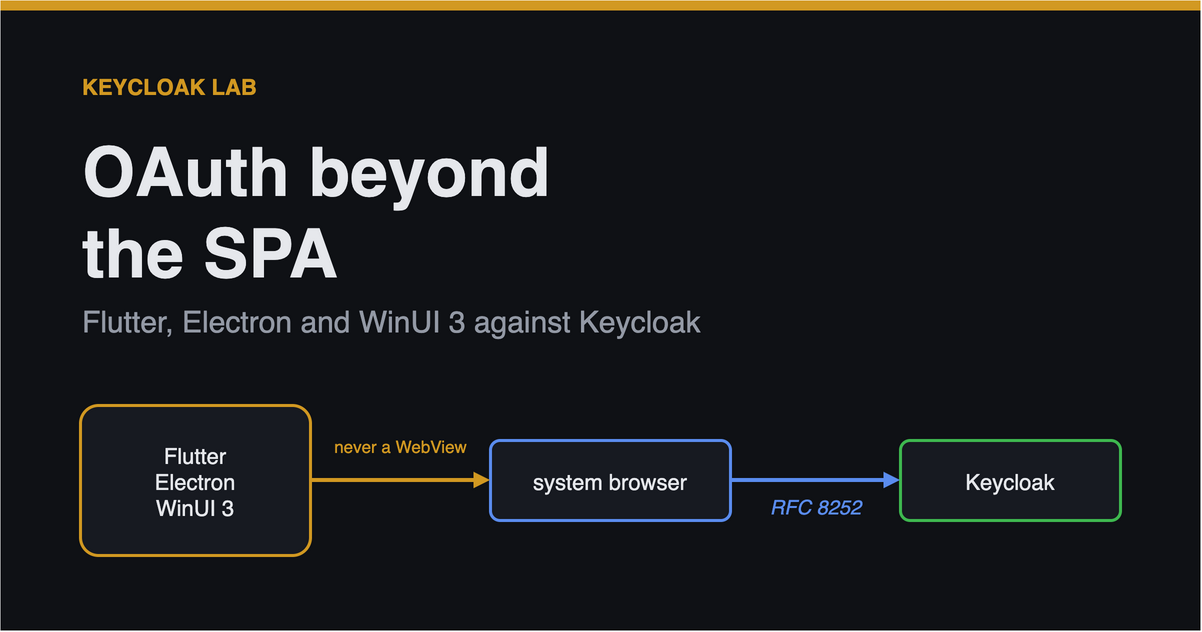
And one rule that follows from both, which is the part people get wrong: authenticate in the system browser, never in an embedded WebView. An embedded WebView is a window your application controls, which means your application can read the password the user types into it. It also cannot see the browser’s existing session, so it defeats SSO, and identity providers increasingly refuse to render in one at all. RFC 8252 is the spec, and “use the system browser” is its headline.
That leaves the question of how the redirect gets home, and there are two answers depending on the platform.
flowchart TB
  APP["Native app<br/><i>public client, PKCE</i>"]
  BROWSER["System browser<br/><i>user types password here</i>"]
  KC["Keycloak"]

  APP -- "opens" --> BROWSER
  BROWSER -- "authorization request" --> KC
  KC -- "redirect with code" --> BROWSER

  BROWSER -- "custom scheme<br/>io.docvault.flutter://<br/><i>mobile</i>" --> APP
  BROWSER -- "loopback<br/>http://127.0.0.1:PORT/callback<br/><i>desktop</i>" --> APP
Desktop: a loopback server on an ephemeral port
The desktop app starts an HTTP listener on 127.0.0.1, port 0 — meaning the OS picks a free one — opens the system browser, and waits.
1
2
3
4
const server = http.createServer(/* ... */);
server.listen(0, '127.0.0.1', () => {     // port 0 = OS picks a free one
  shell.openExternal(authUrl.toString());  // the REAL browser
});
Use 127.0.0.1, not localhost. localhost can resolve to IPv6 ::1 on some machines, and then your listener — bound to IPv4 — never sees the callback and the app hangs.
The redirect URI that looks right and never matches
Here is the one that cost me an evening, and which I would not have guessed.
The app listens on a port it does not know in advance, so the registered redirect URI has to tolerate any port. The obvious way to write that is:
1
http://127.0.0.1:*/callback
Every authorization request then fails with invalid_request, before any login page appears.
Keycloak honours a wildcard only at the end of a redirect URI. A * anywhere else — including the port position — is compared literally, against a URI that contains a real port number, and never matches. The error names the request, not the pattern, so it reads like a bug in your client.
The form that works:
1
valid_redirect_uris = ["http://127.0.0.1/*"]
That looks like it ignores the port, and it does — deliberately. Keycloak applies RFC 8252’s loopback rule, which says the port of a loopback redirect must be ignored when matching, precisely because native apps cannot reserve one. The trailing wildcard covers the path.
I verified this by registering each candidate against a real Keycloak and watching which ones authorized. It is worth doing yourself if you do not believe it, because “the wildcard only works at the end” is not something the error message will ever tell you.
Mobile: a custom scheme, one per app
Mobile platforms do not want you listening on a socket, so the redirect comes back through a URI scheme the OS routes to your app:
1
2
3
4
valid_redirect_uris = [
  "io.docvault.flutter://oauth/callback",
  "io.docvault.flutter://oauth/logout",
]
Give every app its own scheme and its own Keycloak client. A custom scheme is claimed OS-wide, so if two apps register the same one the resolution is ambiguous — Android picks non-deterministically, iOS favours whichever was installed last — and an authorization code can be delivered to the wrong application. My Flutter and React Native clients use io.docvault.flutter:// and io.docvault.rn:// respectively, and separate Keycloak clients, so a token always identifies which app actually got it.
For production, prefer App Links / Universal Links over a bare custom scheme. Those are cryptographically bound to a domain you control, so another app cannot claim them.
The Android hang with no error
This is the bug I am most glad to have written down, because I fixed it wrongly first.
Symptom: you tap sign in, the browser opens, you type the password, and the app comes back to a blank screen. No error, no toast, nothing. logcat shows only:
1
W/AppAuth: No stored state - unable to handle response
The cause is Android task affinity. Flutter’s default AndroidManifest.xml ships this on MainActivity:
1
android:taskAffinity=""
An empty affinity does not mean “shared”. It means no affinity to any task, so the activity starts its own. AppAuth’s RedirectUriReceiverActivity and its singleTask AuthorizationManagementActivity end up in different tasks from your app, the manager activity is recreated rather than resumed, and a recreated activity has no in-memory auth state — hence “no stored state”.
My first fix was to set taskAffinity="" on AppAuth’s activities too, reasoning that matching values would put them together. That made it worse, and dumpsys said so plainly:
1
2
3
4
$ adb shell dumpsys activity activities
Task #58  MainActivity
Task #59  RedirectUriReceiverActivity
Task #60  AuthorizationManagementActivity
Three tasks, because “no affinity” is not an affinity they can share. The actual fix is to delete the attribute so all three fall back to the default package affinity:
1
2
<!-- Do NOT set android:taskAffinity="" here. -->
<activity android:name=".MainActivity" ... >
After that, one task, and sign-in returns cleanly.
There is a second Android trap hiding behind the first, which only appears once sign-in gets far enough to fail differently:
1
java.lang.IllegalArgumentException: only https connections are permitted
AppAuth refuses plain HTTP itself, before Android’s cleartext policy is ever consulted. So a network_security_config.xml exception is necessary but not sufficient for a local HTTP lab — you also need allowInsecureConnections, which should be derived from whether the issuer is http, never hardcoded.
Electron: keep tokens out of the renderer
This is the part most Electron OIDC examples get wrong, and it has nothing to do with Keycloak.
The renderer process runs your UI — which means it runs web content, and web content is the thing most likely to end up executing something you did not write. Tokens live in the main process only. The renderer talks to it over a narrow, explicitly enumerated bridge:
1
2
3
4
5
6
contextBridge.exposeInMainWorld('docvault', {
  signIn: () => ipcRenderer.invoke('auth:signIn'),        // returns decoded CLAIMS
  signOut: () => ipcRenderer.invoke('auth:signOut'),
  stepUp: () => ipcRenderer.invoke('auth:stepUp'),
  getDocuments: () => ipcRenderer.invoke('api:documents'),
});
Note what is absent: any channel that returns a raw token. The renderer receives already-decoded claims to display, and data fetched on its behalf. A script injected into the page has nothing to steal.
That depends on three settings, none of which are optional:
1
2
3
contextIsolation: true,   // preload and page get separate JS contexts
nodeIntegration: false,   // no require() in the page
sandbox: true,            // OS-level renderer sandbox
Turn any one off and the isolation the design depends on collapses.
WinUI 3: the same pattern, a certified library
The WinUI 3 client solves an identical problem with different tools — Duende.IdentityModel.OidcClient, which is RFC 8252 certified, instead of ~80 lines of hand-rolled PKCE. The redirect handling is byte-identical to Electron’s, because the loopback pattern is a property of native apps, not of any UI framework.
Two .NET-specific notes. OidcClient refuses plain-HTTP discovery by default, and the error names the policy rather than the URL, which sends you looking in the wrong place — derive DiscoveryPolicy.RequireHttps from whether the authority is loopback rather than hardcoding it false. And an unpackaged app (WindowsPackageType=None) has no PasswordVault, so tokens go in DPAPI instead.
Try it
All four clients are in the repo, against one realm:
1
2
3
git clone https://github.com/MagnusJohansson/keycloak-poc
cd keycloak-poc
make up && make seed && make api
Each client’s README covers its own platform quirks, and every trap above is a commented, load-bearing line somewhere in that repo — because each of them cost me an evening I would rather you kept.
Earlier in this series: why your realm belongs in Terraform, and the Keycloak misconfigurations that never produce an error.